
Codes
Working Turbo Soccer Roblox codes for packs, coins, and candies, plus redeem steps and expired strings to skip.
View all CodesCodes, car ranks, and ranked guides for Turbo Soccer on Roblox.
Unofficial Turbo Soccer Roblox wiki for Season 1 codes, controls, car ranks, packs, scripts, and ranked match guides.

Season 1 arenas

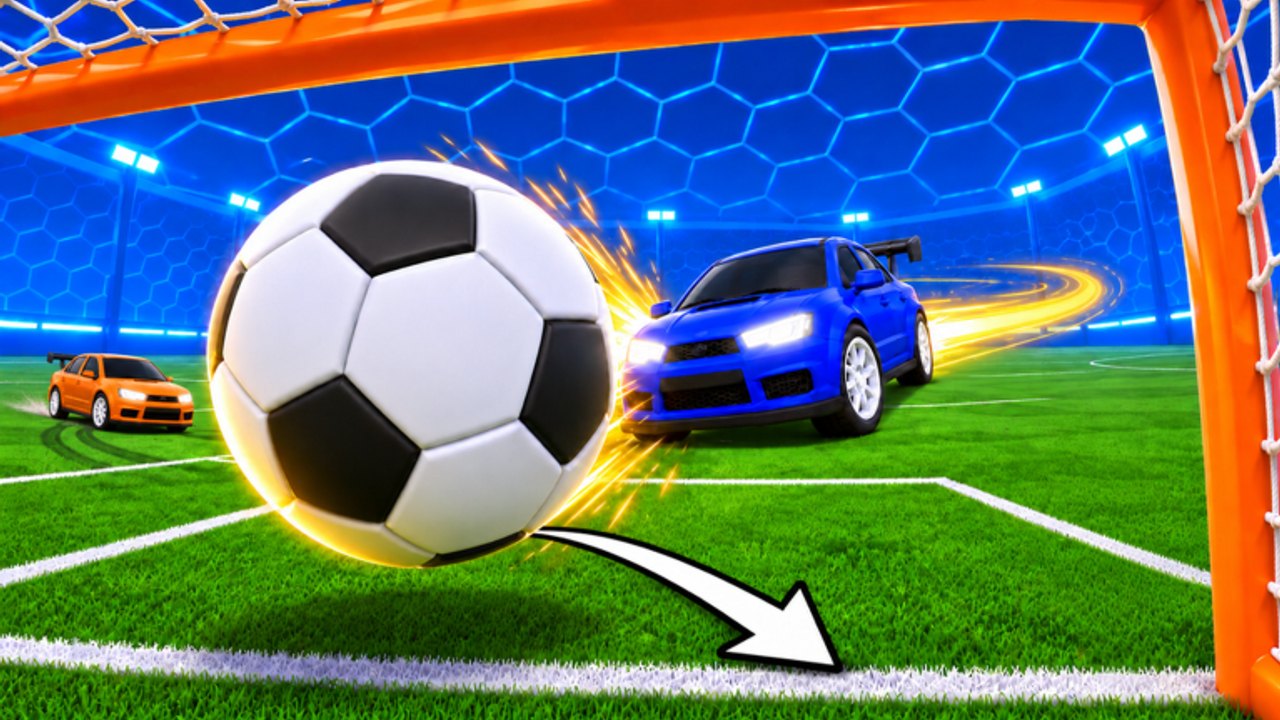
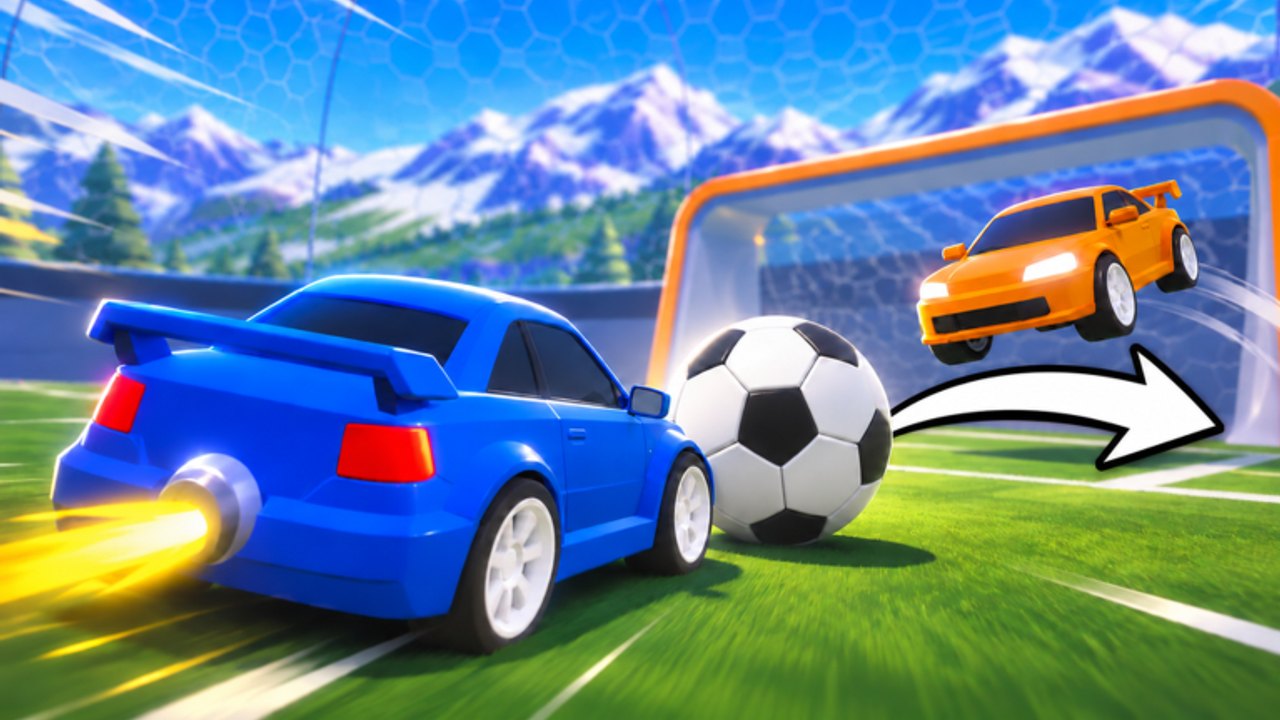
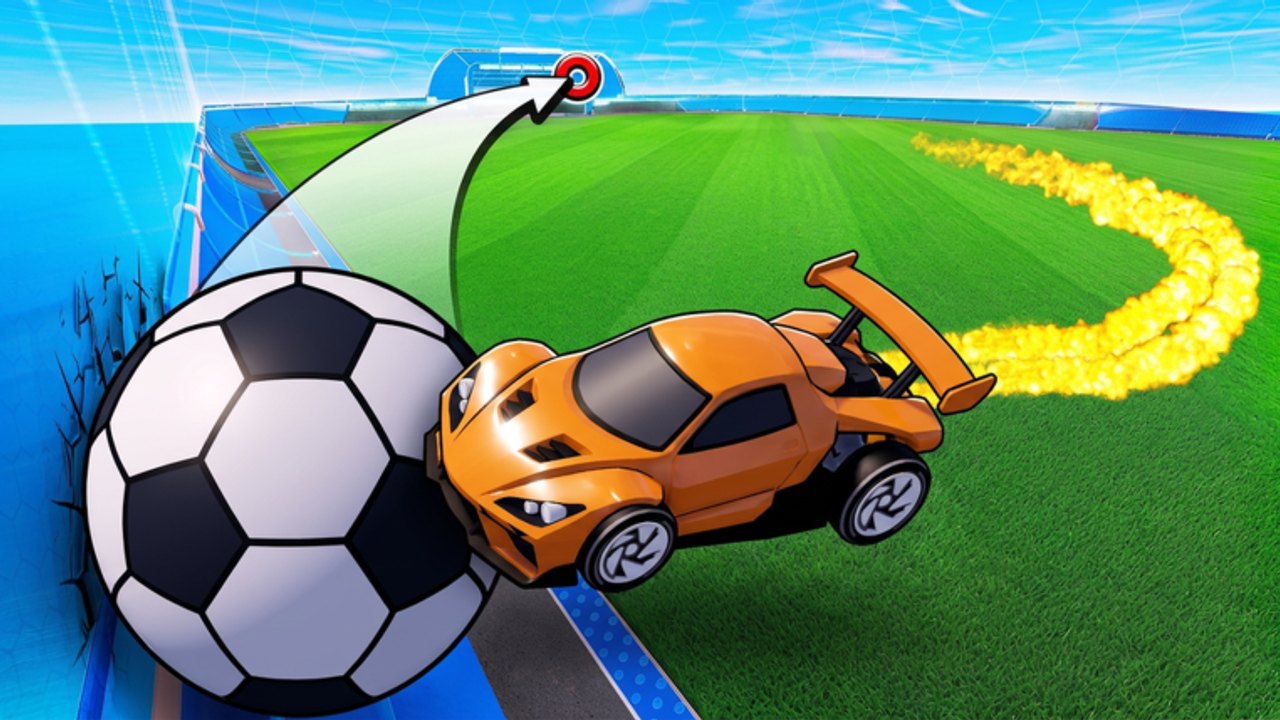
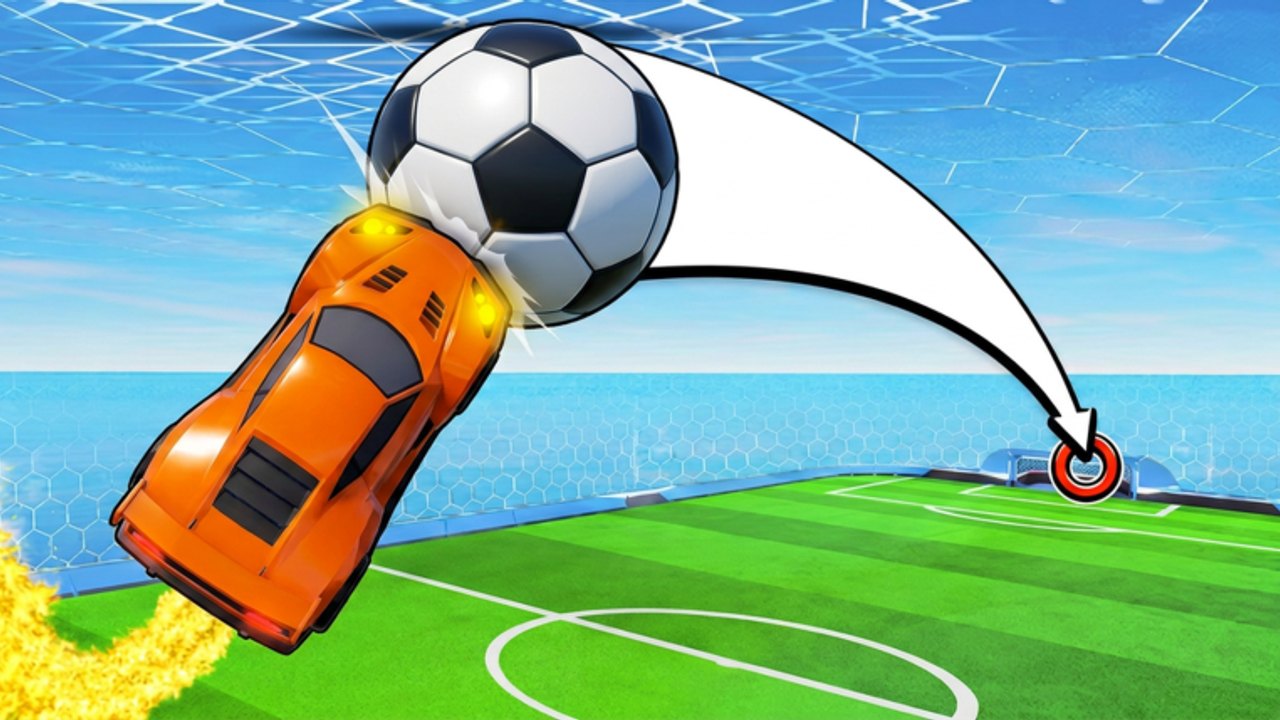
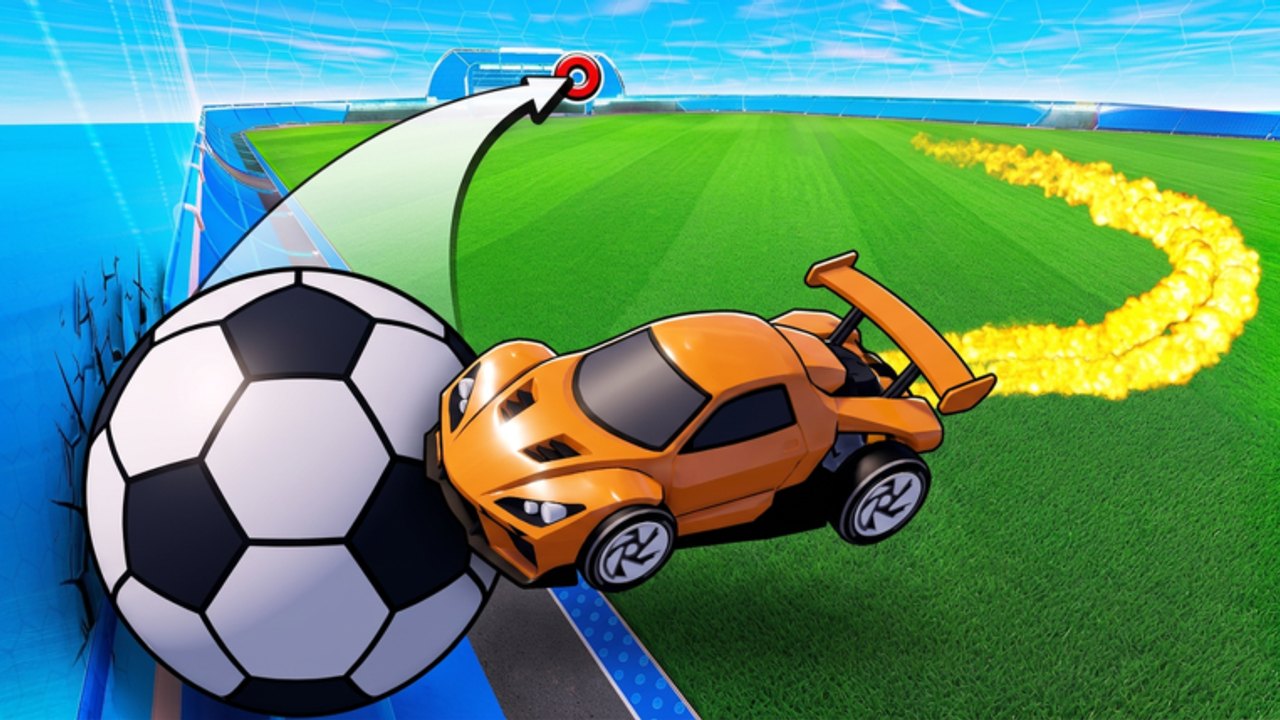
Turbo Soccer is a free Roblox car-soccer arena from the Turbo Soccer group. You drive a rocket car, boost, jump, and flip to knock an oversized ball into the other net across Casual, Ranked, Free Play, and minigames. Start with the getting started guide, lock in PC, mobile, and console controls, claim working codes, then study the cars ranking before you queue ranked. Packs, coins, and cosmetics live in the garage hub.
Working Turbo Soccer Roblox codes for packs, coins, and candies, plus redeem steps and expired strings to skip.
View all CodesTurbo Soccer Roblox guides for first matches, kickoffs, minigames, arenas, scoring, aerials, and ranked climb.
View all GuidesTurbo Soccer car tier list hub: hitbox roles, when to switch frames, and how to test a new body in Season 1 ranked.
View all Tier ListTurbo Soccer garage: cars, packs, ranks, coins, cosmetics, and the free Legendary Gift pack on Roblox in Season 1.
View all GarageTurbo Soccer Roblox updates: Season 1, patch habits, where notes drop, and what to check after each live build.
View all UpdatesTurbo Soccer Roblox scripts: auto play, ball ESP, aim assist loadstrings, plus executor safety notes for Season 1.
View all ScriptsOfficial Turbo Soccer Roblox links: game page, group, Discord, and why there is no Trello board in Season 1 now.
View all LinksOpen Turbo Soccer on Roblox and complete the guided tutorial so throttle, boost, jump, and camera feel natural. Then read the getting started guide.
Redeem current strings on the codes list via Shop → More, then like, favorite, and join the group for the free Legendary pack. Full clicks live in how to redeem.
Set camera to Competitive or Far, keep Ball Cam on, and confirm WASD plus mouse binds. The controls guide covers PC, mobile, and controller.
Spend ten minutes on kickoffs, ground shots, and Rings before you queue. Use minigames plus how to score as the drill list.
Test a balanced hitbox from the cars ranking, then queue 1v1 or 2v2 using the ranked climb rotation rules.
Quick answers to the most common Turbo Soccer questions.
Turbo Soccer is a free Roblox car-soccer game from the Turbo Soccer group. You drive rocket cars, boost, flip, and score with a giant ball in Casual, Ranked, Free Play, and minigames. Created 19 September 2026, it is in Season 1.
Follow the getting started guide, redeem codes, then practise with the controls table before ranked.
Yes. The codes hub lists the newest strings such as SHADOW and TYFOR200MIL, plus older codes still reported by trackers, with redeem steps.
This wiki supports: English, Français, Deutsch, Español, Português (BR).
No public official Trello is published. Use the Roblox group, the game page, and the Discord invite for announcements. Details sit on the Trello status page.
No. turbosoccers.wiki is an independent fan resource. Confirm patches, codes, and Season 1 notes on the official Roblox page and Discord.
Claim codes, learn controls, pick a car from the tier list, then climb ranked. The beginner guide is the shortest path into your first clean match.
Start with the beginner guide