
Turbo Soccer Discord
Join the community server for announcements, codes, and party chat — voice is off in-game.
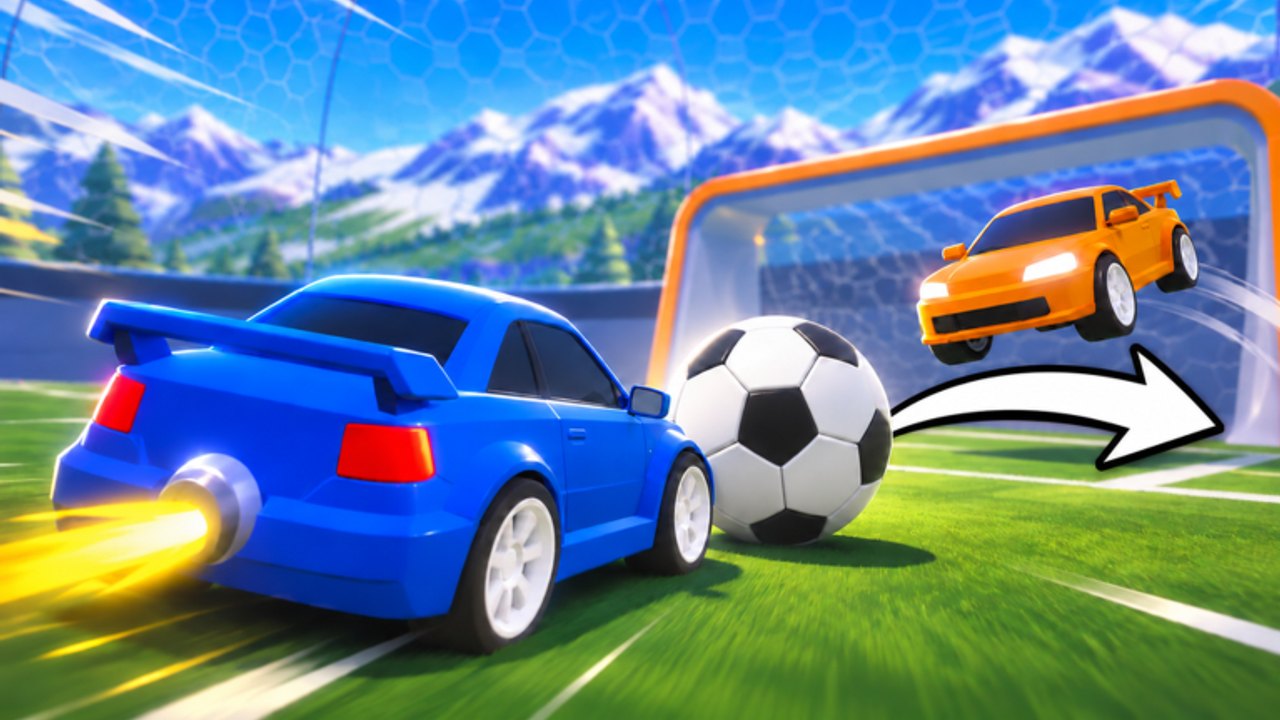
The Turbo Soccer Roblox page lists voice chat as not supported. If you want callouts for 2v2, you need an outside voice app. The invite players and overview videos share is:
Join that server for announcements, code rumours, LFG, and patch chatter. It is not a second Roblox login. Never type your Roblox password into a Discord bot. This page is how to use the server without mixing it up with the expired promo code named DISCORD on the codes hub.
How to join
- Open the invite on a desktop or phone with the Discord app.
- Accept the server rules / verification if the staff enabled it.
- Mute noisy general chats until you need LFG.
- Pin the announcements channel. That is where Season 1 notes leak first, alongside the Roblox group wall.
- Use a voice channel when you party up via play with friends.
If the invite is full or expired, check the Roblox group shout and the experience description. Do not grab the first “Turbo Soccer Discord” Google ad. Compare the slug mTVSZ9Qxtm before you click.
What the server is good for
- New codes the same hour they drop
- Screenshots of Shop → More when the UI moves (useful with how to redeem)
- Looking for a 2v2 partner who already read ranked climb
- Warning when a script loader 404s — still verify on the scripts hub rather than running a file from a random @everyone
- Season 1 extra modes before this wiki’s updates page refreshes
What the server is not
It is not official Roblox support. It is not a Trello. It is not a place to paste your executor key. Staff cannot restore a banned account. Trading cars is not a documented game feature; if someone DMs a “middleman” for an Exclusive chassis, leave.
The promo code DISCORD is expired and was a reward string, not the invite. Typing DISCORD into Shop → More will fail. Use the URL above instead.
In-game versus Discord
In-game you have text chat and party follow. Discord you have voice, roles, and history. Use both: queue on Roblox, talk on Discord. If a stranger asks you to “verify” by downloading a file, that is not the Turbo Soccer group.
When a patch hits, someone in Discord will claim every bind changed. Confirm in Settings using controls before you remap your whole mouse.
Keep the links hub bookmarked so this invite sits next to the real Roblox URLs. If this page and the group shout ever disagree, trust the group shout and the experience page.
Channel hygiene for ranked parties
Create a small private Discord group for your regular 2v2 if public LFG is noisy. Keep kickoff calls in voice and put the ranked climb first-man / second-man rules in the pinned message. After a loss, talk about boost amount at the moment you jumped, not about the other team’s cosmetics. That is the same replay habit the ranked page already teaches, just spoken out loud.
If a public LFG post asks you to “run a script first” or to click a key link, decline. Script loaders belong on the scripts hub if you choose that risk, not in a stranger’s DM. If they ask you to buy Robux for them to “boost MMR,” that is a scam, not a teammate.
Code drops in Discord versus this wiki
Discord is faster. This wiki is checked against multiple trackers and will sometimes lag a few hours. When an @everyone posts SHADOW2, wait until you see it on the codes list or in the official announcements channel — not in a user-created “free codes” channel with a steam logo. Typing a fake string does not ban you, but phishing sites attached to those channels do.
When staff pin a patch, run the updates five-minute checklist: binds, Gift, two Free Play kickoffs. Discord hype is not a substitute for Settings → Controls.
Invite again for copy-paste: https://discord.com/invite/mTVSZ9Qxtm — slug mTVSZ9Qxtm only.
Frequently Asked Questions
Quick answers to the most common Turbo Soccer questions.
What is the Turbo Soccer Discord invite?
https://discord.com/invite/mTVSZ9Qxtm — confirm the slug mTVSZ9Qxtm before you join.
Is the DISCORD code the invite?
No. DISCORD was an expired promo string. The invite is a URL, not a shop code.
Why do I need Discord?
The Roblox listing says voice chat is not supported. Discord is how parties call kickoff roles. See play with friends.
Can Discord staff restore my account?
No. They cannot undo a Roblox ban or refund Robux. Use official Roblox support for account issues.